

quietformat’s level-matching utility plugin ANCHOR is currently available as a free download!
In this article, we cover the giveaway details and give you an overview of what ANCHOR does.
1. What Is quietformat ANCHOR?
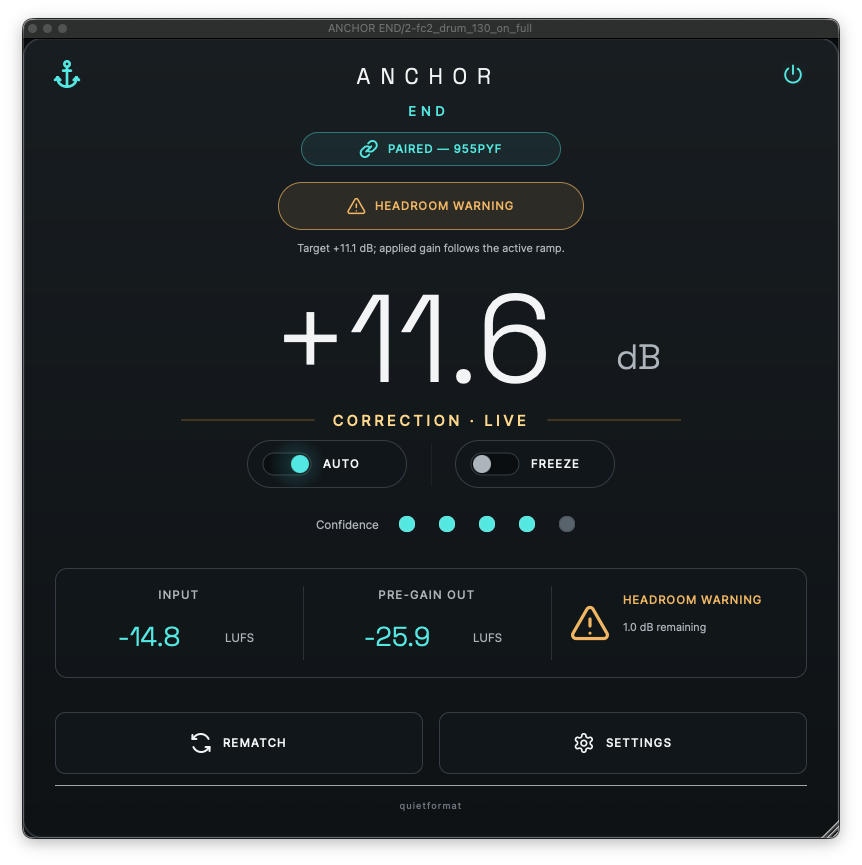
ANCHOR is a utility plugin that automatically compensates for the volume changes caused by processing such as compression, EQ, and saturation, preserving the mix balance you built before processing. Because it corrects only the level difference — without changing the sound or character of the processing itself — it enables accurate before/after comparisons that separate genuine tonal changes from simple volume differences.
Key Features
- Uses two plugins as a pair: ANCHOR START (placed before your processing) and ANCHOR END (placed after it)
- START is bit-transparent and does not alter the audio in any way — it measures your pre-processing reference
- END compares the same audio before and after processing and applies a single broadband trim gain to correct the level
- Your processing itself — EQ, compression, dynamics, saturation, harmonics, transients, stereo image, reverb, and more — is left fully intact
- Reduces only the loudness change introduced by processing while maintaining the mix balance you established beforehand
- Can wrap anything from a single plugin to an entire processing chain
- Works on individual tracks, buses, the mix bus, and mastering chains
2. How to Download & Install ANCHOR
Simply register your email address on the official page, and you can quickly download and install ANCHOR via the email you receive.
quietformat ANCHOR: Correct Volume Differences Without Changing Your Sound — for Free
That wraps up the free giveaway details for quietformat ANCHOR. If you want a reliable way to level-match your before/after comparisons and keep your mix balance intact, grab it while it’s free.