

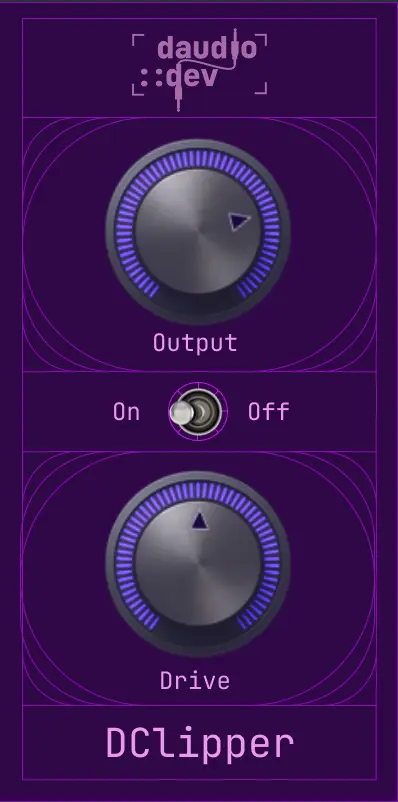


daudio::dev’s clipper plugin DClipper is available as a free download for a limited time. The regular price is €9, and the official page currently lists it as “FREE · LIMITED TIME FREEBIE!” (no end date is given, so grab it while you can).
This article covers the download details and an overview of DClipper.
What Is daudio::dev DClipper?
DClipper is a clipper plugin that adds saturation through diode-style soft clipping. It features asymmetric soft clipping, soft ceiling and 4x oversampling, and is controlled with just two knobs and one switch.
Key Features
- Drive: pushes the input into the clipper over a range of roughly 1x to 16x (with automatic makeup gain of up to about +3.5 dB linked to Drive)
- 4x oversampling suppresses harmonic aliasing
- Diode-style soft clipping: asymmetry + polynomial soft clipping + soft ceiling (no digital hard clamp)
- DC blocker keeps the post-clip signal centered
- Analog-style low-pass filter that rolls off gently from around 15 kHz
- Output: final output level (-24 to +12 dB)
- On / Off: click-free bypass using a smooth wet/dry fade
How to Download and Activate DClipper
Click “Get free” on the official page and enter your email address as a guest to easily download and install the plugin. On first launch, enter your license key to activate it.